Photos at the file size you need.
Set the submission limit and check exact output bytes.
Set 100KB for submission · 100KB guide and worked example

1 Choose photos
Drop files here or use the button below.
JPG · PNG · WebP · HEIC/HEIF / Up to 10 files / 10MB per fileReal example · under 100KB
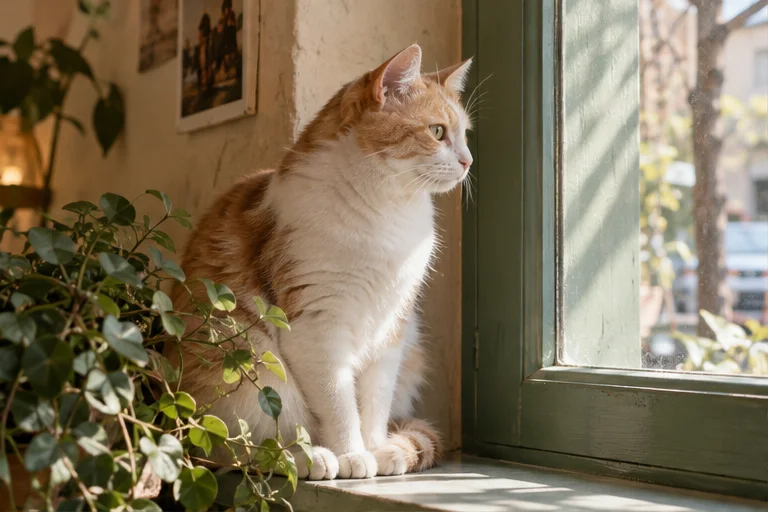
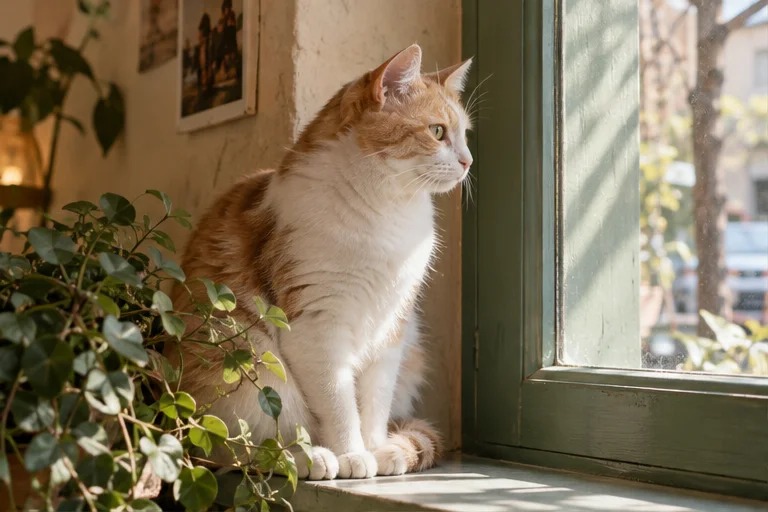
AI-created sample, converted by this tool in Edge. 768×512px. Results vary with the photo and browser.
3 Check results 0
Add photos and compare file sizes
here.
Originals are unchanged. Download the converted files yourself.
This list is cleared when you reload or close the page.
Photos are not sent to a server. Original files stay unchanged.
Look for the target met label, then check faces and text in the preview.
Results are temporary. Reloading or closing the page clears them.
Before you convert
Quality is reduced to meet your target. Allowing resizing can also reduce dimensions. Check text and faces in the preview.
Supports JPG, PNG, WebP, HEIC and HEIF. HEIC/HEIF is converted to JPG on this device first. GIF and PDF are not supported. Limits: 40MB total and 24 million pixels per photo. Animated files may retain only the first frame.
The default uses 1KB = 1,000 bytes. Choose 1,024 only when your destination specifies that unit. Check exact output bytes and dimensions before submitting. Original metadata is not copied.
HEIC/HEIF is converted to JPG on this device first. Original metadata, HDR and colour may change. Photos never leave the device.